
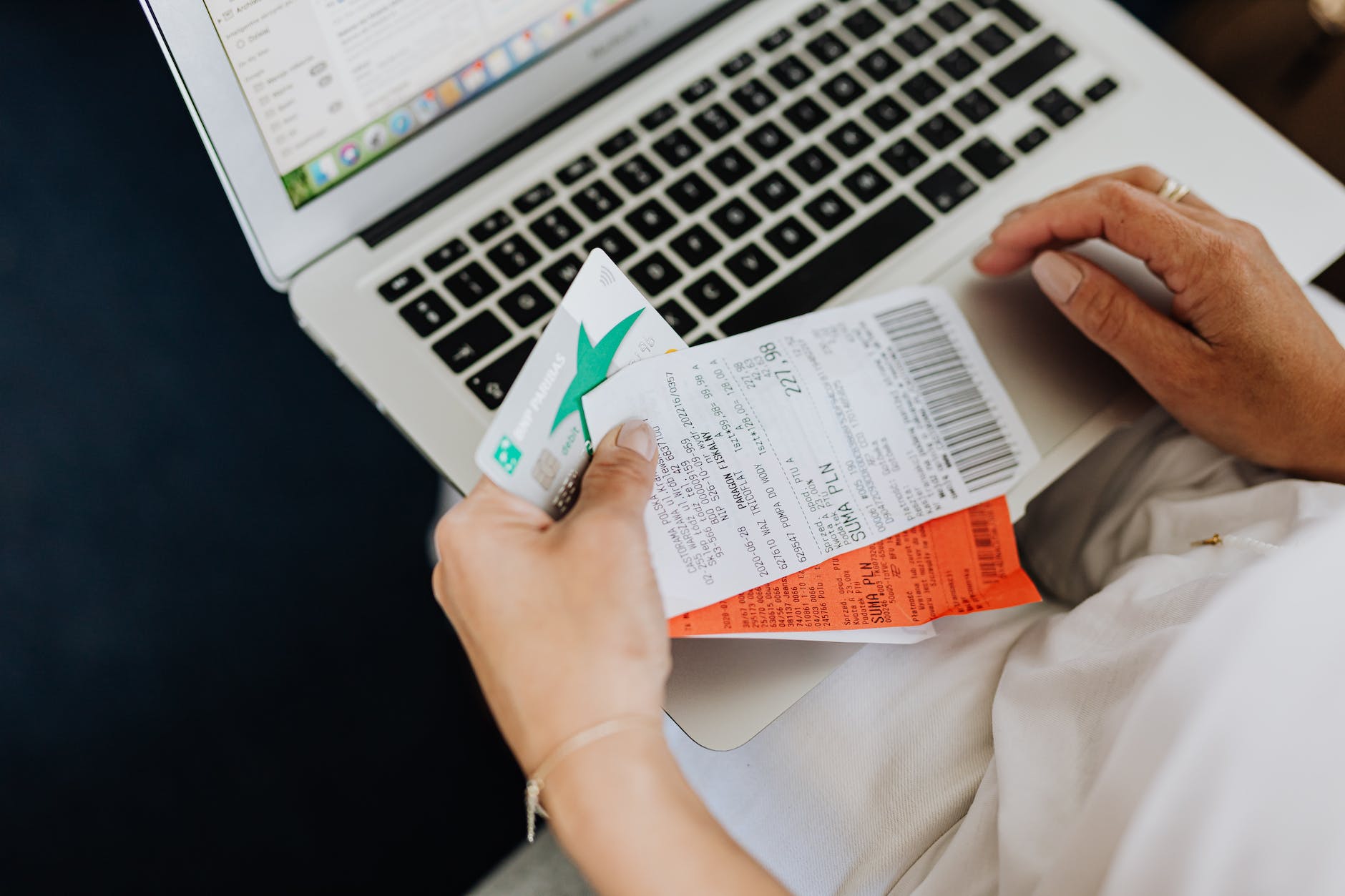
About once a week, I lay out all of my shopping receipts from the week on my dining room table. Then I start scanning receipts with each of these receipt scanning apps. Below, I share some general tips. Next I share descriptions, conversion rates, and specific tips for my favorite receipt scanning apps. I have ordered these apps from most recommended to least recommended for various reasons. First and foremost, make sure you double dip (well more than double). The same receipts can be scanned on multiple apps. Through receipt scanning apps, cashback apps, and rewards credit cards, I often earn rewards through multiple apps for the same purchases.
General Tips for Receipt Scanning Apps
- Develop a routine for scanning receipts so that you don’t forget.
- Use multiple receipt scanning apps so that scanning is worth your time.
- Link your e-receipts so that you earn for online purchase too! (I earn many points for the freebies that I order on Amazon.)
Merryfield Everyday Rewards

Merryfield grants rewards for any receipt that you scan (retail, gas, restaurant, etc.). The minimum reward per receipt is 50 points, but you can earn bonus points for purchasing promotional items. Once you earn 5,000 points, you can redeem them for a reward. The approximate exchange rate is 1,000 points = $1.00.
Tips
- Buy “healthy” food promotional items to earn extra points.
If Merryfield sounds good to you, check it out here.
Fetch Rewards

Fetch grants rewards for any receipt that you scan (retail, gas, restaurant, etc.). The minimum reward per receipt is 25 points, but you can earn bonus points for purchasing promotional items. Once you earn 5,000 points, you can redeem them for a reward. The approximate exchange rate is 960 points = $1.00.
Tips
- Scan receipts multiple times a week to earn bonus spins for extra points.
Receipt Pal

Receipt Pal grants rewards for most receipts that you scan (retail, gas, restaurant, etc.). The minimum reward per receipt is 25 points. Once you earn 2,200 points, you can redeem them for a $5 Amazon gift card. The approximate exchange rate is 400 points = $1.00. While, the exchange rate is better than Fetch, Receipt Pal limits the time period for permitted receipts and allows fewer receipt scans per month.
Tips
- Scan during the week for faster loading times. On Sundays, this app is very slow.
If Receipt Pal sounds good to you, check it out here.
Coin Out

Receipt Hog

Receipt Hog grants rewards for most receipts that you scan (retail, gas, restaurant, etc.). Once you earn 1,000 points, you can redeem them for a $5 PayPal payout or $5 Amazon gift card. The approximate exchange rate is 1,000 points = $5.00. Receipt Hog is pretty easy to earn rewards so long as you scan consistently. Otherwise, the rewards per receipts is a little lower than the above apps, so you might not be able to cash out as often. Also, be mindful that you get asked a couple quick questions for each receipt, so this isn’t the fastest receipt app to use.
Tips
- Scan consistently to earn bonus points and “spin the slot” turns.
If Receipt Hog sounds good to you, check it out here.
Pogo

I originally wrote about Pogo in my post about how to earn cashback simply by shopping and linking bank accounts or credit cards. However, since that post was published, Pogo has also added an option to scan paper receipts. Pogo only grants 10 points per paper receipt, but since I pay for almost everything using credit cards to earn cashback, I also earn points on Pogo through those linked credit cards for the same purchases. The exchange rate is 1,000 points = $1.00.
Tips
- Link your bank accounts and credit cards so that you earn for all of your purchases.
- Turn on location permissions so that you earn for visiting certain retailers.
- Install the Chrome extension for more points and cashback every time you shop online.
Ibotta

Ibotta is one of the original receipt scanning apps and the first one I used. Ibotta grants rewards for scanning receipts with promotional items. Prior to shopping or scanning, you have to add offers to your preferred store(s). The earnings are pretty low unless you actually buy the promotional items. Since I’m a savvy shopper, I tend to buy items that are still lower priced than the promotional items, even after cashback. Thus, I mostly earn from the “any item” options or alcohol purchases. For a couple of stores I linked my store shopping card so rewards are automatic (as long as I, manually, add the offers). Ibotta takes a little more work than the other receipt scanning apps, but since I’m already scanning receipts, this app can be worth my time. Some of the cashback offers on alcohol tend to be pretty high too. There is a $20 cash out minimum to PayPal, so if you’re not purchasing the promotional items don’t expect to cash out very often. I cash out about twice a year.
Tips
- Add offers to your preferred store ahead of time, especially for those with linked shopping cards.
- Look for “any item” and “free after offer” items.
InboxDollars

InboxDollars is a Prodege site and what I call a Variety Site where you can earn rewards through a variety of tasks. For receipt scanning, InboxDollars grants at least 2 points for most receipts that you scan (retail, gas, restaurant, etc.). You can earn bonus points for promotional items, but as I noted for Ibotta, the promo items are usually more expensive than what I typically buy. Once you reach $10, you redeem your cash via PayPal or a $10 gift card to various retailers.
Tips
- You can only scan each receipt on one Prodege app (i.e., InboxDollars, MyPoints, SwagBucks).
- Scan receipts to a Prodege app to help meet your daily goal.
If InboxDollars sounds good to you, check it out here.
SwagBucks

SwagBucks is another Prodege site and what I call a Variety Site where you can earn rewards through a variety of tasks. Swagbucks grants at least 2 points for most receipts that you scan (retail, gas, restaurant, etc.). You can earn bonus points for promotional items, but as I noted for Ibotta, the promo items are usually more expensive than what I typically buy. Once you reach 110 points, you can redeem your points for a $1 Amazon gift card. However, it’s better to wait until you have at least 300 points for $3 gift cards to a variety of retailers. As point redemptions increase so do gift card options. The minimum balance for PayPal is 500 points for $5. The exchange rate is approximately 100 points = $1.00.
Tips
- You can only scan each receipt on one Prodege app (i.e., InboxDollars, MyPoints, SwagBucks).
- Scan receipts to a Prodege app to help make your daily goal.
- If you wait until you have at least 1600 points to redeem points, the Visa Gift card typically has the best exchange rate (about 150 points/dollar).
MyPoints

MyPoints is one of the original Prodege sites where you can earn through a variety of tasks. MyPoints grants at least 3 points for most receipts that you scan (retail, gas, restaurant, etc.). You can earn bonus points for promotional items, but as I noted for Ibotta, the promo items are usually more expensive than what I typically buy. Once you reach 480 points, you can redeem your points for a $3 Amazon gift card or a Dunkin Donuts gift card. At 800 points there are more retail gift card options. The minimum balance for PayPal is 1600 points for $10. The exchange rate is approximately 160 points = $1.00.
Tips
- You can only scan each receipt on one Prodege app (i.e., InboxDollars, MyPoints, SwagBucks).
- Scan receipts to a Prodege app to help make your daily goal.
- If you wait until you have at least 1600 points to redeem points, the Visa Gift card typically has the best exchange rate (about 150 points/dollar).
ShopKick

As mentioned in other posts, I prefer to earn points on ShopKick by watching ads. To earn points for receipts in ShopKick, you have to buy promotional items from specific stores. Again, as I noted for Ibotta, the promo items are usually more expensive than what I typically buy. However, it’s good to keep this app in mind just in case you do actually buy one of the promo items. Don’t forget to scan the barcode in the store too! Once you reach 500 kicks, you can redeem your points for a $2 Target gift card. However, it’s better to wait until you have at least 1250 kicks for $5 gift cards to a variety of retailers. As point redemptions increase so do gift card options. The minimum balance for PayPal is 2550 kicks for $10. The exchange rate is approximately 255 points = $1.00.
Tips
BoxTops

While this app will not earn you any money, scanning receipts with promotional items is an easy way to send money to your favorite school(s). We all know that education is severely underfunded in the United States, and as an educator, that issue is close to my heart. Every penny for schools can make a difference. Since you only receive credit for scanning receipts with promotional items, look for the BoxTops icon on items that you buy. Then scan those receipts.
Tips
- Once you learn which items are BoxTops items, you can save time by only scanning those receipts rather than scanning all receipts and waiting for the app to find the bonus items.
- Scan any receipt to earn a sweepstakes entry for your school.
If you would like to earn money for a school using BoxTops, check it out here.
Amazon Shopper Panel

This is one of the easiest receipt scanning apps with a high reward to time ratio. Simply scan any 10 receipts each month and earn a $10 Amazon gift card. However, you can only join through invitation. Even though I won’t earn any referral points if you join, it would be unethical of me not to tell you about this awesome app.
Here’s the details from the app FAQ.
How do I sign up for the Amazon Shopper Panel? The Amazon Shopper Panel is available to a limited number of Amazon customers in the US. Customers receiving an invitation to join the panel can download the app from either the App Store or the Google Play Store. Customers who did not receive an invitation can download the app and check if space is available. If there is no space available, customers can join the waitlist and will be notified if a spot opens up. The Amazon Shopper Panel app is free to download and use.
Doc’s Latest Posts
- Urgent Message: 8 Ways to Avoid Microplastics – What They Are & Why They Matter
- 5 Places to Find Amazing Deals When Time is Tight: Your Ultimate Guide to Saving!
- 3 Effortless Ways to Earn Cashback
- Easy Money 2025: 7 Remarkable Apps to Earn Cash Watching Video Ads
- 15 Risk-Free Receipt Scanning Apps
5 responses to “Doc’s Favorite Receipt Scanning Apps for Earning Rewards”
[…] Once a week, often on Sundays, scan receipts. […]
[…] your online shopping accounts to your favorite receipts apps or cashback apps to earn rewards on all of your purchases multiple […]
[…] your online shopping accounts to your favorite receipts apps or cashback apps to earn rewards on all of your purchases multiple […]
[…] your online shopping accounts to your favorite receipts apps or cashback apps to earn rewards on all of your purchases multiple […]
[…] your online shopping accounts to your favorite receipts apps or cashback apps to earn rewards on all of your purchases multiple […]